SOFOS 360
Generate Safety Data Sheet or Workplace Instruction Card
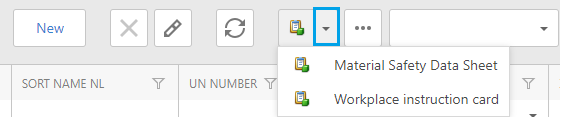
When you want to generate a Safety Data Sheet (SDS) or Workplace Instruction Card (WIC), go to the Substance Menu and there are 2 options:
Option 1: Click on the checkbox of a specific substance.


Option 2: Select the substancethat you want to generate a SDS or WIC and click on it (do not use the pencil).